
Kaspersky Premium Key Review 2026: Features, Protection & Best Price
A Kaspersky Premium key gets you one of the most full-featured antivirus suites available right now, and this review tells you exactly what you’re paying for, what you’re not, and where to get it for far less than retail. If you’ve been comparing antivirus options and keep landing on Kaspersky Premium, you’re in the right place.
We’ll cover every feature that matters, how Premium stacks up against older Kaspersky tiers, and whether the upgrade is worth it for your situation. For broader context on how Kaspersky compares to ESET and other top picks, see our guide to the best antivirus software with genuine keys in 2026.
By the end, you’ll know exactly which plan to buy and what a fair price looks like.
Genuine discounted software, accounts and keys, delivered in minutes
Browse the shop →Contents
- What Is Kaspersky Premium? A Quick 2026 Overview
- Kaspersky Premium Features Breakdown: What You Actually Get
- Is Kaspersky Still Good in 2026? Performance and Independent Test Results
- Kaspersky Premium vs Total Security: Key Differences Explained
- How Much Does Kaspersky Premium Cost? Retail Price vs Discounted Key
- How to Activate Your Kaspersky Premium Key: Step-by-Step
- Who Should Buy Kaspersky Premium in 2026? Use-Case Recommendations
- Frequently Asked Questions
- Final Thoughts
What Is Kaspersky Premium? A Quick 2026 Overview
Kaspersky Premium is Kaspersky’s top-tier consumer security suite in 2026. It sits above Kaspersky Standard (basic antivirus) and Kaspersky Plus (adds VPN and performance tools), bringing in identity protection, parental controls, and 24/7 priority support that the lower tiers skip.
One license key activates everything against Kaspersky’s own servers, that activation confirmation is your proof the product is genuine. The suite covers Windows, Mac, Android, and iOS, so a single plan protects a mixed household or a freelancer’s full device stack.
The target buyer is anyone managing more than one or two devices: families sharing a home network, freelancers handling client data, small-business owners who need real protection without an enterprise contract. If you’re weighing it against a rival suite, our ESET vs Kaspersky: a head-to-head comparison gives you a direct look at how the two stack up.
Kaspersky Premium Features Breakdown: What You Actually Get
Kaspersky Premium packs more into one license than most paid antivirus suites at twice the price. Here’s what’s included and who each feature matters to.
The core engine uses behavior-based detection, not just signature matching, so it catches new threats before definitions update. Real-time scanning runs quietly in the background without the CPU spikes you get from older AV tools. If you’ve ever wondered whether Windows Defender alone is enough in 2026, the short answer is it handles basics, but behavior-based detection and identity monitoring are where Premium earns its keep.
Beyond antivirus, one Kaspersky Premium key covers unlimited-bandwidth VPN, a password manager with encrypted vault, data leak monitoring, and Safe Kids parental controls. That’s five separate tools under one activation. Kaspersky’s official Premium feature list confirms device coverage extends across PC, Mac, and mobile, with 24/7 priority support included. For a freelancer or small household running three to five devices, that breadth is hard to match at this price point.
Is Kaspersky Still Good in 2026? Performance and Independent Test Results
Yes, the independent labs still rate it near the top. That’s not marketing copy; it’s measurable.

AV-TEST’s April 2026 Kaspersky Premium results gave it perfect scores across protection, performance, and usability on Windows 11. AV-Comparatives’ March 2026 malware test confirmed strong detection rates with a low false-alarm count, the kind of result that matters when your antivirus starts flagging legitimate files.
System performance impact is light. Kaspersky Premium 21.24 doesn’t noticeably slow down everyday tasks, which is a real concern with some heavier suites.
On the geopolitical question: yes, it’s been raised. But independent labs test the actual software, not the headlines, and the scores haven’t dropped. Threat database updates continue rolling out regularly, keeping detection current in 2026.
When you activate a Kaspersky Premium key against Kaspersky’s own servers, a successful activation confirms the software is genuine and fully licensed. For peace of mind on the purchase side, see how DimeDigitals buyer protection works before you order.
Kaspersky Premium vs Total Security: Key Differences Explained
Kaspersky Total Security no longer exists as a standalone product. Kaspersky replaced its old lineup with three tiers: Standard, Plus, and Premium.
If you used Total Security before, Premium is your direct upgrade. It covers everything Total Security did, malware protection, parental controls, password manager, and adds unlimited VPN, identity theft monitoring, and priority customer support. Those three additions are the meaningful difference in this Kaspersky Premium vs Total Security comparison.
The lower tiers are fine for basic needs. Standard handles antivirus. Plus adds the VPN, but with a data cap. Neither tier includes identity protection or priority support.
For a freelancer protecting client data, a family sharing devices, or a small-business owner who travels, Premium closes the gaps the old Total Security left open. The identity monitoring alone makes it worth the step up for most buyers researching this Kaspersky Premium review.
How Much Does Kaspersky Premium Cost? Retail Price vs Discounted Key
Kaspersky Premium retails for roughly $50-$80 per year for a 1-3 device license, depending on where you buy and which promotion is running. That’s the price Kaspersky’s own site, Best Buy, and similar retailers charge.
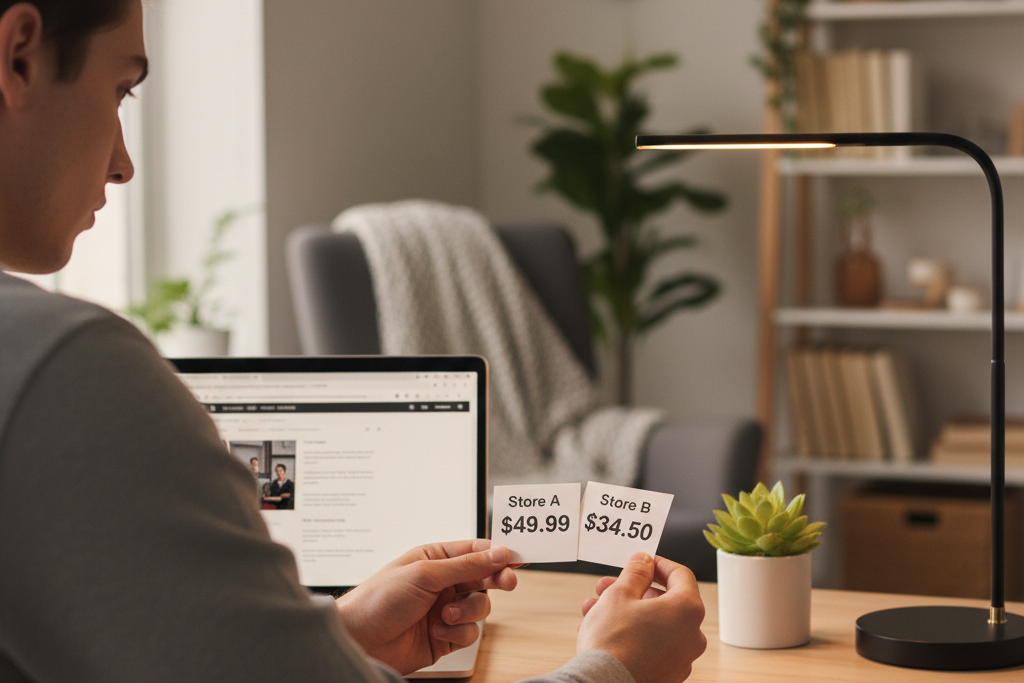
At DimeDigitals, a genuine Kaspersky Premium license key starts from $19.99. The key arrives via instant digital delivery after checkout and activates directly on Kaspersky’s own servers, that server-side activation is your proof the key is real; Kaspersky wouldn’t accept it otherwise.
Discounted keys are legitimate for straightforward reasons: volume licensing agreements, regional pricing differences, and unused license stock all create headroom for lower prices. Nobody is cutting corners on the software itself. A key that clears Kaspersky’s servers is a genuine Kaspersky license, full stop. Buyer protection at DimeDigitals covers you if anything doesn’t go smoothly.
How to Activate Your Kaspersky Premium Key: Step-by-Step
Activation takes about two minutes. Check Kaspersky’s official activation guide before you start if you want the full walkthrough straight from the source.
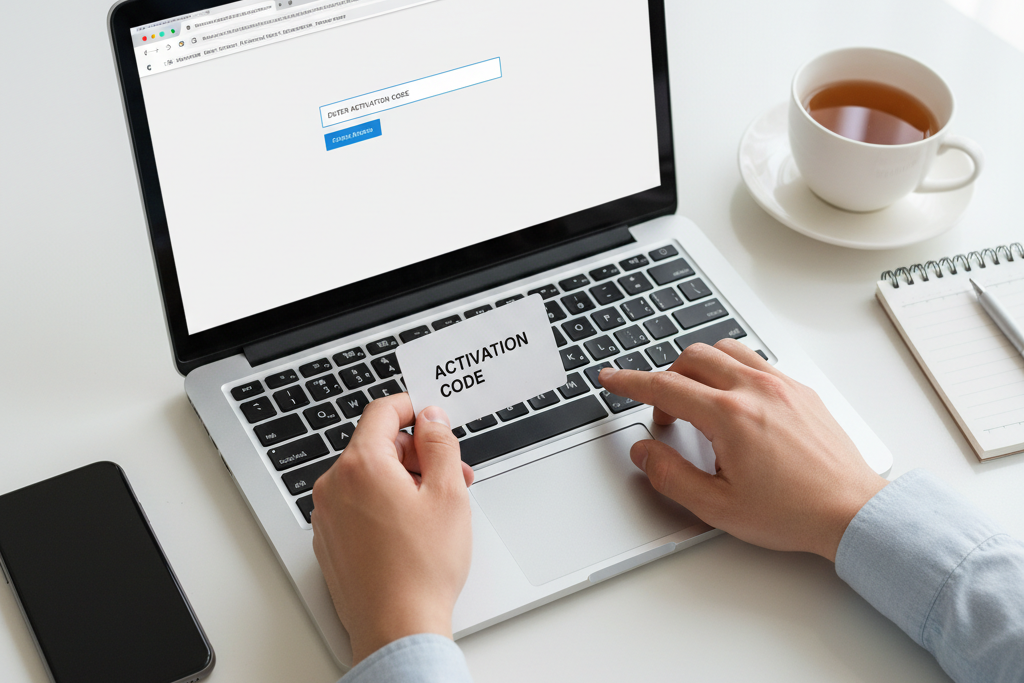
- Download the installer. Grab the latest Kaspersky Premium installer from kaspersky.com or your My Kaspersky account, always use the official source so you get the current build.
- Install the application. Run the installer and follow the prompts. A trial may activate automatically; that’s fine.
- Open the activation window. In the app, click the key icon or go to License in the menu. If a trial is running, select Activate with a code. If it’s expired or absent, the activation prompt appears on launch.
- Enter your Kaspersky Premium key. Paste the 20-character activation code delivered by DimeDigitals. No separate key file is needed, the code is enough.
- Confirm activation. The dashboard shows your plan name, device count, and expiry date once it’s live.
Log into My Kaspersky to manage devices and track renewals in one place. Your key activates against Kaspersky’s own servers, exactly the same as a retail purchase.
Who Should Buy Kaspersky Premium in 2026? Use-Case Recommendations
Students
You need solid protection that doesn’t slow down a laptop mid-essay. Kaspersky Premium runs light, and at $19.99 for a genuine key from DimeDigitals, it costs less than a textbook chapter.
Freelancers
Client data is your liability. The built-in VPN, password manager, and identity protection are exactly the features that matter when you’re working across coffee shops and client networks. One breach costs far more than this key.
Families
Parental controls plus coverage across phones, tablets, and PCs make Premium the right tier here, not the cheaper plans. Multi-device protection under one activation keeps things manageable.
Small Businesses and IT Admins
My Kaspersky lets you manage seats centrally without enterprise pricing. If you need to cover several workstations on a budget, stacking keys from DimeDigitals is a practical way to do it without paying retail on each one.
Frequently Asked Questions
How do I get my Kaspersky Premium license key?
After checkout, your Kaspersky Premium key arrives instantly in your email inbox, no physical media, no waiting. Open the Kaspersky application on your device, click the activation window, and paste the key. Alternatively, log into your My Kaspersky account and enter it there. The whole process takes under two minutes from purchase to protected.
Is Kaspersky Premium worth it in 2026?
Yes, particularly at discounted pricing. Kaspersky Premium bundles antivirus, unlimited VPN, a password manager, identity protection, and parental controls under one license. Buying those tools separately would cost considerably more. At $19.99 from DimeDigitals, the value-per-feature ratio is genuinely hard to match, you’d pay that much for a standalone VPN subscription at retail.
Is Kaspersky still good in 2026?
Yes. Independent labs AV-TEST and AV-Comparatives consistently award Kaspersky top scores for malware detection and low system impact. The suite receives regular definition and engine updates, and it remains one of the most frequently tested security products available. That testing record matters more than marketing claims.
Are discounted Kaspersky keys from third-party shops legitimate?
Yes, from a reputable reseller. Discounts are possible through volume licensing and regional pricing structures, the same reason bulk buyers pay less. The definitive proof is simple: if the key activates successfully on Kaspersky’s own servers, it’s genuine. DimeDigitals also includes buyer protection on every purchase, so you’re not buying blind.
What is the difference between Kaspersky Premium and Kaspersky Total Security?
Kaspersky Total Security has been retired. Kaspersky Premium is now the top tier and improves on what Total Security offered by adding unlimited VPN bandwidth, identity theft monitoring, and priority tech support. If you’re an existing Total Security user, Premium is the direct successor, and it covers more ground.
Can I renew my Kaspersky license with a key from DimeDigitals?
Yes. A Kaspersky Premium key from DimeDigitals works for both fresh activations and renewals. Enter the new key in the activation window inside the Kaspersky app, or add it through your My Kaspersky account. Your existing settings and subscription history carry over without interruption.
Final Thoughts
Kaspersky Premium delivers real, tested protection across every device you own, VPN, password manager, parental controls, and identity monitoring included. For most households and freelancers, it’s the only security tool you need. If you want a leaner option before committing, check out our ESET NOD32 review: another strong paid antivirus option before deciding.
A genuine Kaspersky Premium key from DimeDigitals costs a fraction of retail, activates directly against Kaspersky’s own servers, and lands in your inbox with instant digital delivery. That’s real protection without the inflated price tag. If Kaspersky Premium is the right fit, there’s no reason to pay more than you have to.