Windows 10 LTSC vs Pro: Which Should You Buy?
Introduction: The Ultimate Showdown
Windows 10 LTSC vs Pro is the battle that every IT manager and power user needs to understand. Choosing the right edition can make or break your workflow efficiency and long-term stability.
If you’re looking for a reliable, feature-rich operating system, consider the Windows 10 Pro Home Key for maximum compatibility.
Comparison Overview
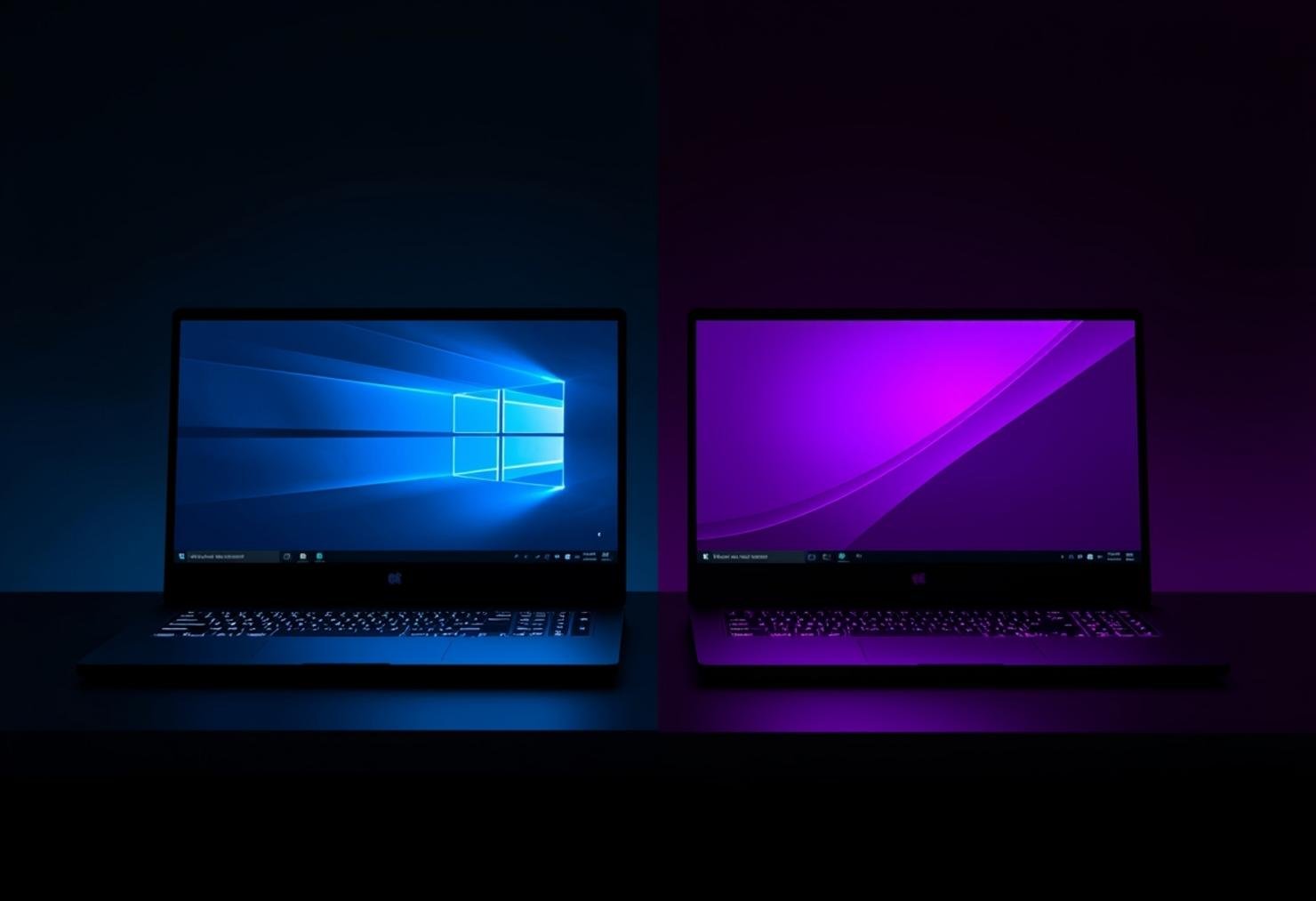
Windows 10 LTSC (Long-Term Servicing Channel) is designed for specialized devices like medical equipment and industrial systems. Windows 10 Pro is built for everyday business users who need modern features and regular updates. The primary audience for LTSC includes enterprise environments requiring stability over new features. Pro targets small businesses, remote workers, and tech-savvy home users who want the latest capabilities.
Feature-by-Feature Face-Off
When comparing Windows 10 LTSC vs Pro, the differences become clear in their core offerings. LTSC focuses on stability with a fixed feature set and no feature updates. Pro delivers cutting-edge functionality including Cortana, Microsoft Store access, and the latest security tools. Check the Windows 10 LTSC vs Pro feature comparison table for detailed specifications.
- LTSC: No feature updates, only security patches
- Pro: Semi-annual feature updates with new capabilities
- LTSC: No Microsoft Store or Cortana
- Pro: Full Windows Store access and Cortana integration
- LTSC: Ideal for embedded systems and kiosks
- Pro: Perfect for general business productivity
Performance & System Impact

Windows 10 LTSC vs Pro performance reveals interesting trade-offs. LTSC runs lighter because it lacks background processes for features like Cortana and the Microsoft Store. This makes it ideal for systems with limited resources or specialized hardware. Pro may consume slightly more RAM and CPU due to its comprehensive feature set, but modern hardware handles this easily. For most users, the performance difference is negligible in day-to-day operations.
Pricing & Lifetime Value
The cost comparison between Windows 10 LTSC vs Pro shows different value propositions. LTSC typically requires volume licensing agreements, making it expensive for individual users. Pro offers more accessible pricing through retail channels and digital marketplaces. The Windows 10 Pro Home Key represents excellent value with lifetime activation and all the features most users need. LTSC’s higher initial cost may pay off in specialized environments where stability trumps new features.
Pros and Cons
Option 1 Pros (LTSC):
- Exceptional stability with no feature updates
- Lower resource consumption for specialized hardware
- Longer support lifecycle (10 years)
- Ideal for embedded systems and medical devices
Option 2 Pros (Pro):
- Full feature set including Cortana and Microsoft Store
- Regular security updates and new capabilities
- Better compatibility with modern software
- More cost-effective for individual users
The Final Verdict

The Windows 10 LTSC vs Pro decision ultimately depends on your specific needs. Choose LTSC if you manage specialized equipment that requires maximum stability and minimal changes. Select Pro if you’re a business user, remote worker, or home user who wants the latest features and regular updates. For most people reading this comparison, Windows 10 Pro delivers the best balance of functionality and value.
Conclusion
Understanding Windows 10 LTSC vs Pro helps you make an informed decision for your computing environment. While LTSC excels in specialized, stability-critical scenarios, Pro offers the comprehensive feature set most users need. The Windows 10 Pro Home Key provides an excellent entry point for those choosing the Pro route. For complete technical specifications, refer to the Windows 10 LTSC vs Pro feature comparison table.
Frequently Asked Questions
Can I upgrade from Windows 10 Pro to LTSC?
No, you cannot directly upgrade from Windows 10 Pro to LTSC. LTSC requires a clean installation since it’s designed for specialized scenarios. You’ll need to back up your data and perform a fresh installation of LTSC on your system.
Which edition receives security updates longer?
Both editions receive security updates for 10 years from their release date. However, LTSC only gets security patches while Pro receives both security updates and feature updates throughout its lifecycle. The Windows 10 LTSC vs Pro feature comparison table details the exact support timelines.
Is Windows 10 LTSC good for gaming?
Windows 10 LTSC is not recommended for gaming. It lacks the Microsoft Store, DirectX updates, and gaming features found in Pro. Pro includes Game Mode, Xbox integration, and the latest graphics driver support that gamers need for optimal performance.
Can small businesses use Windows 10 LTSC?
While possible, Windows 10 LTSC is generally overkill for small businesses. Pro offers better value with its comprehensive feature set including Remote Desktop, BitLocker, and Group Policy management. Most small businesses benefit more from the Windows 10 Pro Home Key than LTSC’s specialized focus.