Microsoft Dynamics GP: End-of-Support Facts and What to Do
Microsoft Dynamics GP in 2026: The Three Facts That Drive Every Buying Decision
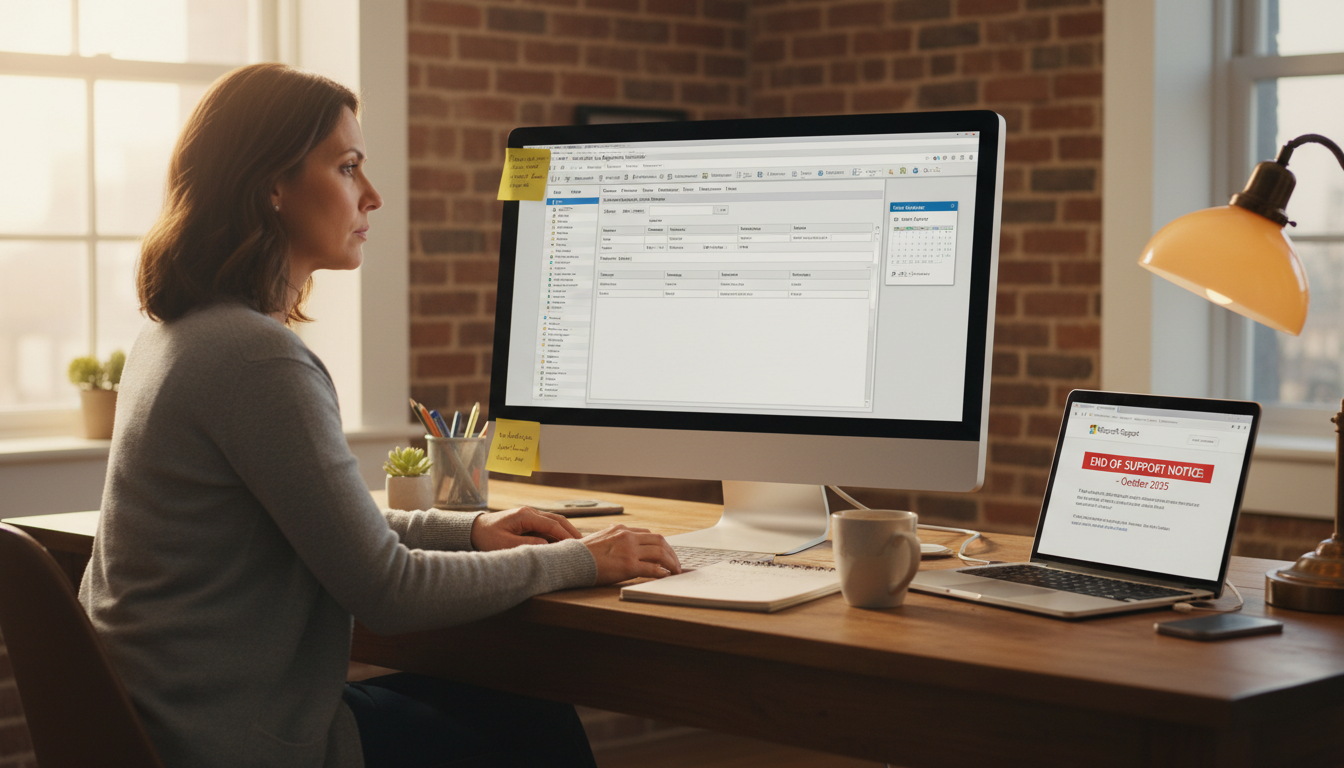
Microsoft Dynamics GP is an on-premises ERP built for small and mid-sized businesses — covering accounting, payroll, inventory, and operations in one system. If you’re researching it right now, you’re almost certainly trying to answer one of three questions: Is it still supported? Should we stay on it? What replaces it?
Here are the three facts that matter, sourced directly from Microsoft’s official Dynamics GP documentation:
- Mainstream support ends April 2026. Extended support runs to April 2029. After that, no patches, no security fixes, no help from Microsoft.
- Microsoft is not building a next version. Dynamics GP is in maintenance mode. The replacement Microsoft pushes is Dynamics 365 Business Central — cloud-based, subscription-priced, different architecture entirely.
- You have a real decision fork. Stay and run GP until 2029, migrate to Business Central, or replace it with a third-party ERP. Each path has a different cost and timeline.
According to Tipalti’s GP explainer, GP suits finance-heavy SMBs that need strong general ledger and payroll controls — which is exactly why so many companies are reluctant to leave it. The familiarity is real. So is the end-of-life clock.
If your business is also running aging Windows Server infrastructure alongside GP, that compounds the urgency — expired evaluation licenses create their own risk layer. See our breakdown of what happens when a Windows Server evaluation expires for context on that side of the equation.
The rest of this article walks through each path so you can make a call with full information.
What Microsoft Dynamics GP Does: Core Modules and Who Each One Serves
Microsoft Dynamics GP is built around a modular structure — you activate what your business needs and ignore the rest. According to the official Dynamics GP documentation, the platform covers everything from core financials to supply chain and payroll. The table below maps each major module to the buyer type that gets the most value from it, drawing on the Tipalti GP explainer for buyer-type context.
| Module | What It Does | Best Fit |
|---|---|---|
| Financial Management | General ledger, AP, AR, bank reconciliation | All business types |
| Payroll | US/Canadian payroll processing and tax compliance | Service firms, nonprofits |
| Inventory Control | Stock tracking, costing, and reorder management | Distributors, manufacturers |
| Purchase Order Processing | PO creation, vendor management, receiving | Distributors, manufacturers |
| Sales Order Processing | Quotes, orders, invoicing, and fulfillment | Distributors, retailers |
| Project Accounting | Time, expense, and billing tracking per project | Service firms, nonprofits |
| Fixed Assets | Asset depreciation schedules and disposal tracking | Manufacturers, nonprofits |
| Human Resources | Employee records, benefits, and compliance tracking | All business types |
A distributor running high-volume purchase orders needs Inventory Control and PO Processing above everything else. A nonprofit with grant-funded projects will lean hardest on Project Accounting and HR. No single business uses every module — that’s the point.
Microsoft Dynamics GP Licensing and Cost: What Buyers Actually Pay
Microsoft Dynamics GP uses a perpetual license model, meaning you pay once for the software rather than an ongoing subscription. Licenses are sold per user, and you choose between two structures: named users (one specific person per seat) or concurrent users (a pool of seats shared across more employees than the license count). Concurrent licenses cost more per seat but suit businesses where not everyone logs in at the same time.
Ballpark figures from the market: a named user license typically runs $3,000–$5,000 per user for the base module. Concurrent user licenses can reach $5,000–$8,000 per seat. These are estimates — confirm exact pricing with a certified Dynamics GP partner via Microsoft’s official documentation.
On top of that, Microsoft charges an Annual Enhancement Plan — roughly 16–18% of your license cost per year. Skip it and you lose access to updates and support. Implementation fees from a partner typically add another $10,000–$50,000+ depending on customization depth.
If that cost structure feels heavy for your team’s actual needs, it’s worth mapping your requirements against lighter Microsoft 365 subscription options before committing to a full ERP deployment.
What the End-of-Support Deadline Actually Means for Your Business
April 2026 isn’t just a calendar milestone — it’s the point where running Microsoft Dynamics GP starts carrying real operational risk. According to Microsoft’s official Dynamics GP documentation, extended support ends completely on that date. After it passes, Microsoft stops issuing security patches, bug fixes, and — critically — tax table updates.
That last one matters most for day-to-day operations. Tax tables drive payroll calculations. If those tables go stale, your payroll runs on outdated rates. That’s not a theoretical risk; it’s a compliance failure waiting to happen.
No security patches also means every vulnerability discovered after April 2026 stays open permanently. For businesses in healthcare, finance, or government contracting — industries where data-handling standards are audited — running unpatched ERP software can trigger regulatory penalties independent of any actual breach.
You also lose access to Microsoft support tickets entirely. If something breaks, you’re on your own or paying a third-party partner at whatever rate they choose to charge.
Microsoft Dynamics GP vs Dynamics 365 Business Central: A Decision Framework for Mid-Market Buyers
The core split comes down to deployment preference and where your IT budget sits. Microsoft Dynamics GP runs on-premise or in a hosted environment you control. Business Central is cloud-first, subscription-based, and managed by Microsoft.
Choose GP if: you have a dedicated IT team, need deep customization via Dexterity or third-party ISV modules, carry complex multi-entity accounting, or have compliance reasons to keep data on local servers. GP’s module depth — payroll, manufacturing, field service — still outpaces Business Central in niche verticals.
Choose Business Central if: you want automatic updates, a per-user monthly model (roughly $70–$100/user/month for Essentials), and a roadmap Microsoft is actively investing in through 2030 and beyond.
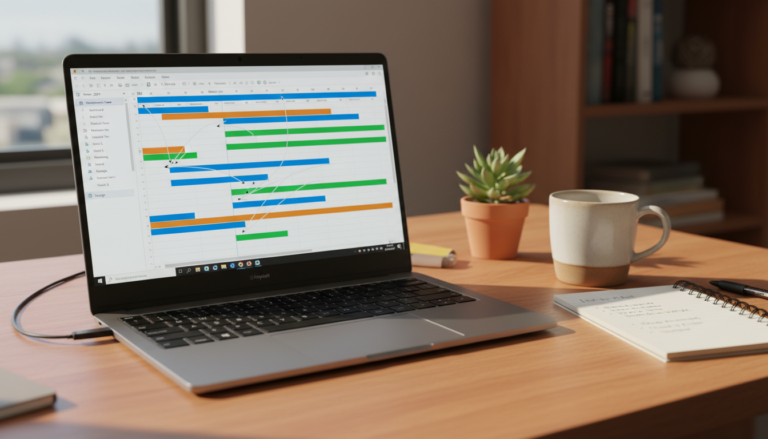
One practical middle ground: use Business Central for core financials while keeping a Microsoft Project plan template to manage your migration timeline. The transition typically runs 6–18 months for a mid-market company.
Editorial note: the comparison framing above is an editorial synthesis based on Microsoft’s GP documentation and Microsoft Learn’s Business Central positioning pages — not vendor-supplied marketing.
Migrating from Dynamics GP to Business Central: What the Process Involves
A Microsoft Dynamics GP migration is not a weekend project. Most mid-market companies take four to six months from kickoff to go-live, and that timeline assumes clean data and a focused internal team.

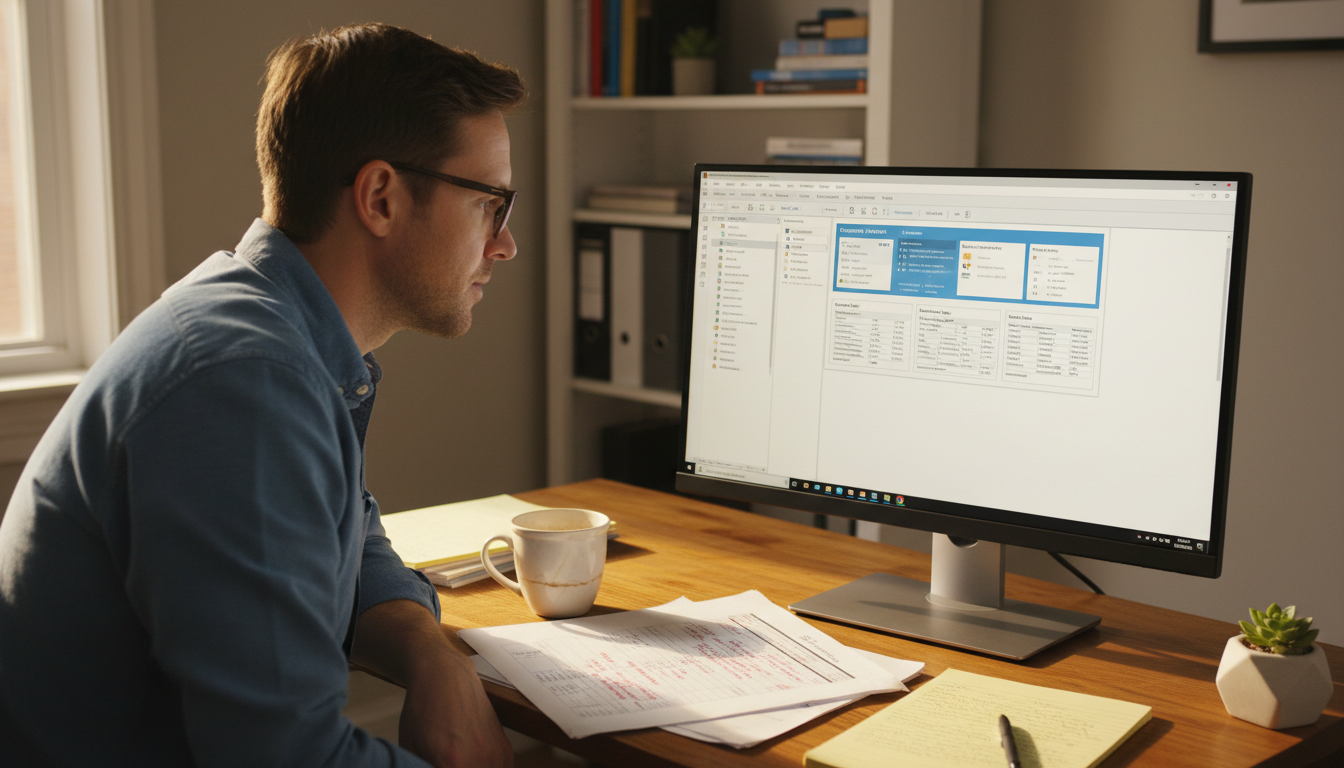
A finance professional testing Microsoft Dynamics 365 Business Central, one of the leading alternatives for organizations migrating away from Dynamics GP.
Here is how the phases typically break down:
- Discovery and scoping (weeks 1–4): Map your current GP modules, customizations, and integrations. Identify what carries over and what needs rebuilding.
- Data cleansing and extraction (weeks 3–8): Microsoft provides migration tooling documented in the official Dynamics GP resources, but your data still needs manual review before import.
- Business Central configuration (weeks 6–14): Chart of accounts, workflows, and third-party connectors get rebuilt in the new environment.
- User acceptance testing (weeks 12–18): Finance and ops teams run parallel processes. Expect two to three rounds of fixes.
- Go-live and hypercare (weeks 18–24): A dedicated support window — usually four to six weeks — catches issues before the partner steps back.
Budget for disruption. Staff will need training time, and productivity dips during cutover are normal. Factor that into your timeline before signing a partner contract.
Should You Still Buy or Implement Microsoft Dynamics GP in 2026?
The short answer depends on one thing: your timeline. Microsoft Dynamics GP reaches end of mainstream support in 2025 and full end of life in 2029. That window is shrinking fast, and new implementations started today carry real risk.
Skip it entirely if you are evaluating ERP options from scratch. The official Microsoft Dynamics GP documentation still exists, but Microsoft’s own roadmap points buyers toward Business Central. Starting a fresh GP deployment now means inheriting a sunset product before you’ve recovered implementation costs.
Stay on it short-term if you’re already live and stable. Running GP through 2027–2028 while planning a migration is defensible. Running it past 2029 without a compliance and security plan is not.
Consider a lighter stack if your needs are modest. Many small businesses using GP for basic financials are overbuilt. A simpler accounting tool paired with a solid Microsoft Office setup for small business covers most day-to-day needs at a fraction of the cost.
Don’t let sunk costs drive the decision. The question isn’t what you’ve spent on GP — it’s what staying costs you after 2026.
Get the Right Microsoft Tools for Your Business — Starting Today
If you’ve worked through the decision framework for Microsoft Dynamics GP and you know which direction you’re heading, the next move is straightforward: make sure the rest of your Microsoft stack is locked in before the transition gets messy. That means having the right Office licenses in place — ones that actually activate, cover your devices, and don’t cost you three times what they should.
Dimedigitals carries genuine Microsoft software keys at a fraction of retail price. A good place to start is Office 2019 Home & Business for Mac — a full lifetime license, no subscription, activates on one Mac via Microsoft’s own portal.