
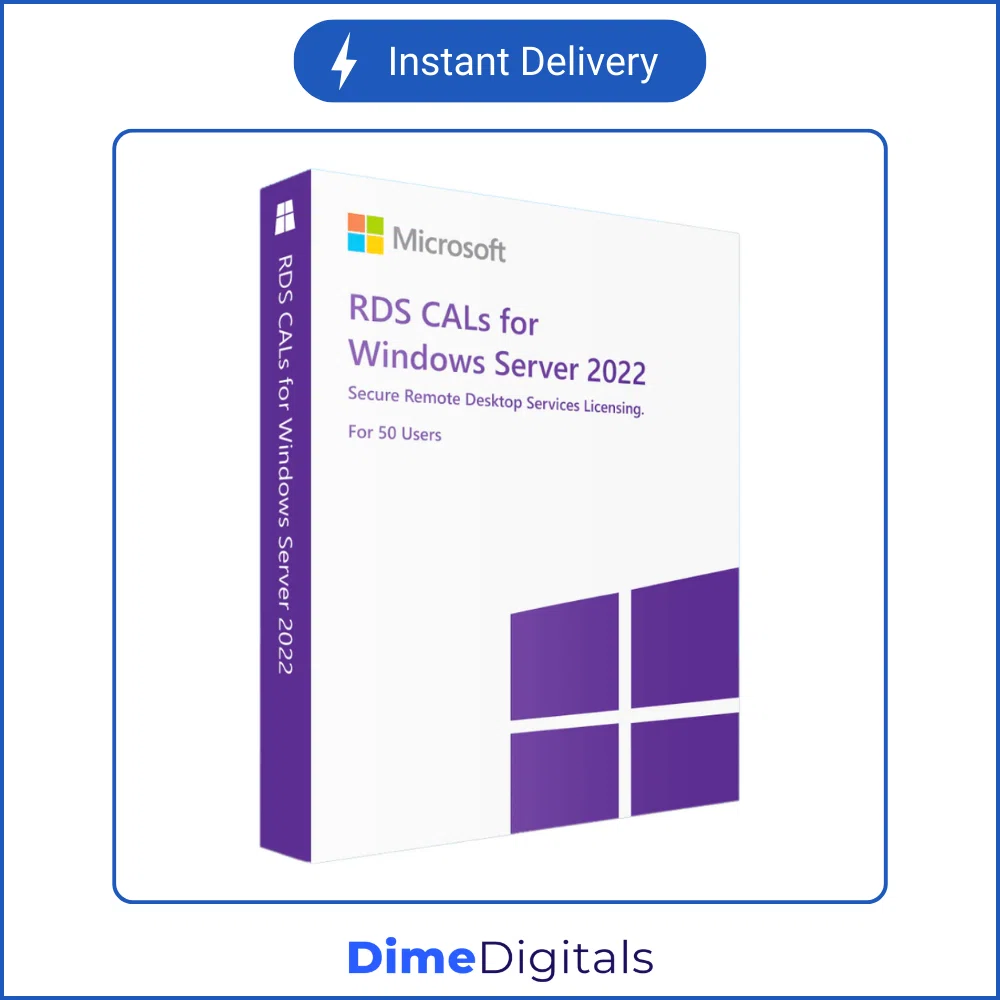
Windows Server RDS User CALs (50 Connections)
Price range: $ 39,99 through $ 69,99
- Remote Desktop Services: Allow multiple employees to connect to your server simultaneously.
- User CALs: Assigned to specific people, allowing them to connect from any device.
- Bulk Connections: Instantly add 50 User Connections (20 for the 2008 R2 version).
- Instant Delivery: Get your retail activation block immediately via email.
⚡ Instant Email Delivery
- Secure SSL Payment
- 7-Day Money Back Guarantee
- 24/7 Technical Support
Scale Your Remote Workforce with Windows Server RDS User CALs
If your business relies on employees accessing the central server from home, branch offices, or on the road, standard server licensing is not enough. You need genuine Windows Server RDS User CALs (Client Access Licenses). These specialized licenses integrate directly into your Remote Desktop Licensing Manager, allowing multiple users to establish concurrent remote desktop sessions on your host server.
By purchasing a block of Windows Server RDS User CALs from DimeDigitals, you are saving hundreds of dollars compared to traditional corporate licensing. Whether you are scaling up a new 2025 deployment or maintaining a legacy 2012 environment, we have the exact connections you need.
Crucial Guide: User CALs vs. Device CALs
Before purchasing your Windows Server RDS User CALs, it is extremely important to understand the difference between User and Device licensing. This listing is specifically for User CALs.
When to choose a User CAL (This Product)
A User CAL is assigned to a specific person in your Active Directory. That person can log into the server from any device—their office PC, their home laptop, their iPad, or even their smartphone.
Best For: Companies with employees who work remotely, travel, or use multiple devices to access the network.
When to choose a Device CAL (Different Product)
A Device CAL is permanently assigned to a specific physical piece of hardware, regardless of who is using it.
Best For: Shift-work environments (like a hospital or call center) where multiple different employees log into the same physical computer station throughout the day.
Version Compatibility & Rules
When selecting your year from the dropdown menu, please keep Microsoft’s strict downgrade rights and compatibility rules in mind:
- Forward Compatibility: A newer CAL can access an older server. (For example, a 2025 CAL can be used to access a 2019 Server).
- Backward Compatibility: An older CAL cannot access a newer server. (For example, a 2016 CAL cannot be used to connect to a 2022 Server).
- Licensing Server: Your RD License Server must be running an operating system that is equal to or newer than the Windows Server RDS User CALs you are installing.
What Years Do We Offer?
We provide bulk packs of 50 connections for almost every modern server environment, plus legacy support for older setups:
- Server 2025 (50 Users): For the latest, most secure enterprise networks.
- Server 2022 (50 Users): Perfect for highly virtualized Azure hybrid environments.
- Server 2019 & 2016 (50 Users): The current industry standard for medium-sized businesses.
- Server 2012 / 2012 R2 (50 Users): Legacy support for older infrastructure.
- Server 2008 R2 (20 Users): Note: This specific legacy variation includes a block of 20 connections, not 50.
Installation & Activation Guide
Adding your new connections to your server is fast and straightforward:
- Purchase: Select your Server Year and checkout. Your 25-digit retail key block will be emailed instantly.
- Open Manager: On your server, open Server Manager, navigate to Remote Desktop Services, and open the RD Licensing Manager.
- Install Licenses: Right-click your server name and select “Install Licenses.”
- Enter Code: Choose “License Pack (Retail Purchase)” as the program, and enter your genuine Windows Server RDS User CALs key.
Why Buy From DimeDigitals?
We are the trusted partner for IT professionals worldwide.
- Instant Delivery: Scale your network at 2 AM without waiting for a sales rep.
- Wholesale Pricing: Save your IT budget for hardware.
- Support: Need help installing your CALs? Visit our Contact Support page for assistance.
Empower your remote workforce today. Buy your Windows Server RDS User CALs now and keep your business connected!
| Server Year | 2025 (50 Users), 2022 (50 Users), 2019 (50 Users), 2016 (50 Users), 2012 & 2012 R2 (50 Users), 2008 R2 (20 Users) |
|---|
Related products
-

ESET NOD32 Antivirus (Global)
Price range: $ 12,99 through $ 69,99Select options This product has multiple variants. The options may be chosen on the product page -
Kaspersky Premium / Internet Security (Global)
Price range: $ 19,99 through $ 128,99Select options This product has multiple variants. The options may be chosen on the product page -
Windows Server RDS Device CALs (50 Connections)
Price range: $ 39,99 through $ 69,99Select options This product has multiple variants. The options may be chosen on the product page -
Windows Server Standard / Datacenter (2016 – 2025)
Price range: $ 49,99 through $ 69,99Select options This product has multiple variants. The options may be chosen on the product page
Reviews
There are no reviews yet.