
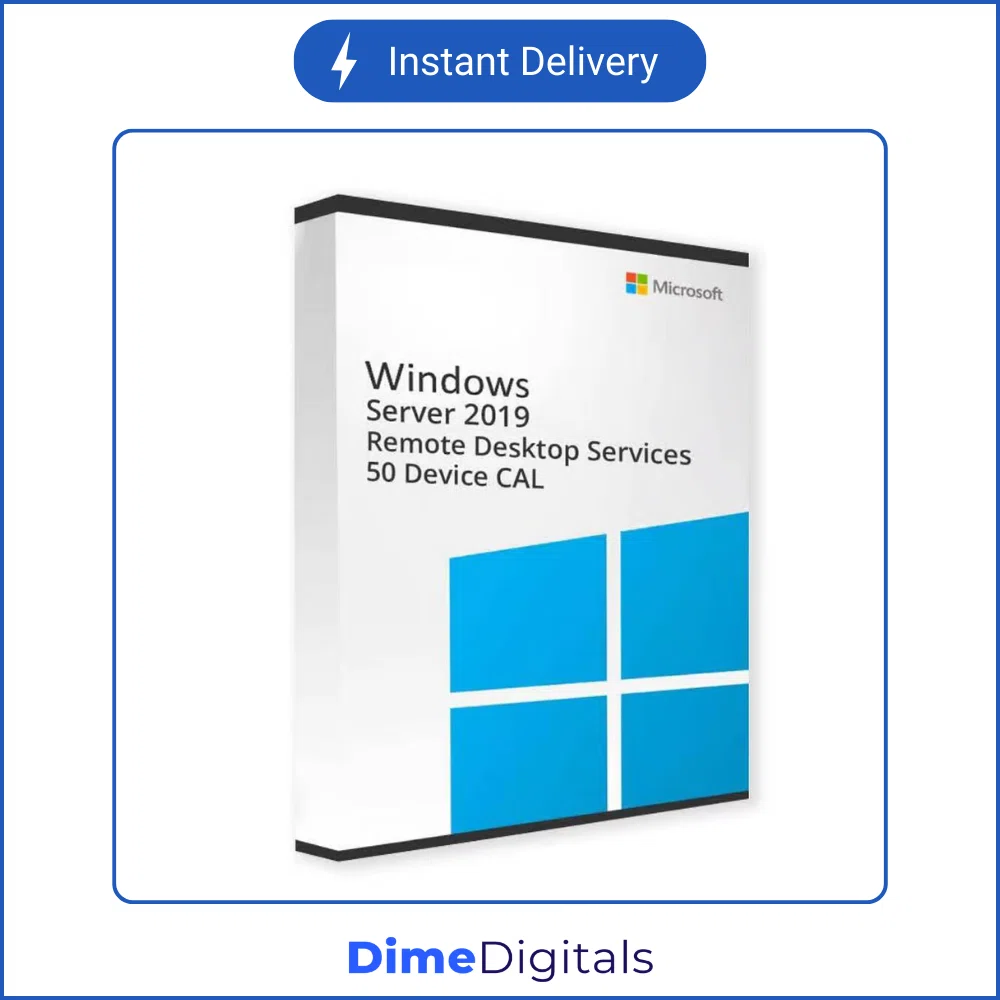
Windows Server RDS Device CALs (50 Connections)
Price range: $ 39,99 through $ 69,99
- Hardware Focused: Assign licenses to physical workstations instead of people.
- Perfect for Shift Work: Ideal for call centers, hospitals, and kiosks where multiple employees share one PC.
- Bulk Connections: Instantly add 50 Device Connections (20 for the 2008 R2 version).
- Instant Delivery: Receive your 25-digit retail activation block via email.
⚡ Instant Email Delivery
- Secure SSL Payment
- 7-Day Money Back Guarantee
- 24/7 Technical Support
Optimize Your Network with Windows Server RDS Device CALs
If your organization utilizes a shared-hardware environment, licensing every single employee is a massive waste of your IT budget. Instead, you need genuine Windows Server RDS Device CALs (Client Access Licenses). These specialized licenses allow specific physical computers, tablets, or kiosks to access your central host server, regardless of how many different employees log into that machine throughout the day.
When you purchase a block of Windows Server RDS Device CALs from DimeDigitals, you are acquiring permanent, retail-grade licenses. Whether you are upgrading your call center to Server 2025 or keeping a legacy Server 2012 factory floor running, we have the precise bulk connections you need.
Crucial Guide: Device CALs vs. User CALs
Understanding Microsoft’s licensing structure is vital to remaining compliant and saving money. This listing is exclusively for Device CALs. Here is why you should choose this option:
When to Choose a Device CAL (This Product)
A Device CAL is permanently attached to a specific piece of hardware (like a desktop PC in a cubicle or a tablet at a nurse’s station).
Best For: Environments where employees work in shifts. For example, if you have 100 employees but only 50 computers, you only need to buy 50 Windows Server RDS Device CALs. It does not matter who sits at the computer; the computer itself holds the license.
When to Choose a User CAL (Different Product)
A User CAL is attached to a specific person’s Active Directory account, allowing them to log in from their phone, home laptop, and office PC.
Best For: Remote workers, executives, or roaming staff who use multiple devices.
Version Compatibility & Downgrade Rights
When selecting your server year from the dropdown, please remember Microsoft’s RD Licensing Server rules:
- Forward Compatibility: A newer Device CAL can successfully connect to an older server host (e.g., a 2025 CAL connecting to a 2019 server).
- Backward Compatibility: An older CAL cannot be used to access a newer server host (e.g., a 2016 CAL will fail to connect to a 2022 server).
- Licensing Manager: The operating system running your RD License Server role must be equal to or newer than the Windows Server RDS Device CALs you are attempting to install.
What Years Do We Offer?
We supply retail blocks of 50 hardware connections for modern infrastructure, as well as legacy blocks for older environments:
- Server 2025 (50 Devices): State-of-the-art security for modern shared workstations.
- Server 2022 (50 Devices): Ideal for secure, hybrid-cloud environments.
- Server 2019 & 2016 (50 Devices): The reliable standard for most mid-sized businesses.
- Server 2012 / 2012 R2 (50 Devices): Extend the life of your legacy hardware.
- Server 2008 R2 (20 Devices): Please note, this vintage variation provides 20 connections, not 50.
Installation & Activation Guide
Deploying your new device connections is simple:
- Purchase: Select your Server Year and checkout. Your 25-digit retail code will be instantly emailed.
- Open Manager: Navigate to your Server Manager, select Remote Desktop Services, and open the RD Licensing Manager tool.
- Install: Right-click your licensing server and click “Install Licenses.”
- Enter Code: Choose “License Pack (Retail Purchase)” as your program type, and paste your genuine Windows Server RDS Device CALs key to complete the wizard.
Why IT Professionals Choose DimeDigitals
We are dedicated to providing IT administrators with reliable solutions.
- Instant Access: No waiting for corporate reps. Get your keys 24/7.
- Wholesale Pricing: Maximize your hardware budget by saving on software.
- Expert Support: Need assistance clearing a stuck device license? Visit our Contact Support page for help.
Equip your workstations today. Purchase your Windows Server RDS Device CALs now and keep your shift-workers connected!
| Server Year | 2025 (50 Devices), 2022 (50 Devices), 2019 (50 Devices), 2016 (50 Devices), 2012 & 2012 R2 (50 Devices), 2008 R2 (20 Devices) |
|---|
Related products
-
ESET NOD32 Antivirus (Global)
Price range: $ 12,99 through $ 69,99Select options This product has multiple variants. The options may be chosen on the product page -
ESET Internet Security (Global)
Price range: $ 14,99 through $ 299,99Select options This product has multiple variants. The options may be chosen on the product page -
Kaspersky Premium / Internet Security (Global)
Price range: $ 19,99 through $ 128,99Select options This product has multiple variants. The options may be chosen on the product page -
ESET Smart Security Premium (Global)
Price range: $ 19,99 through $ 119,99Select options This product has multiple variants. The options may be chosen on the product page
Reviews
There are no reviews yet.