
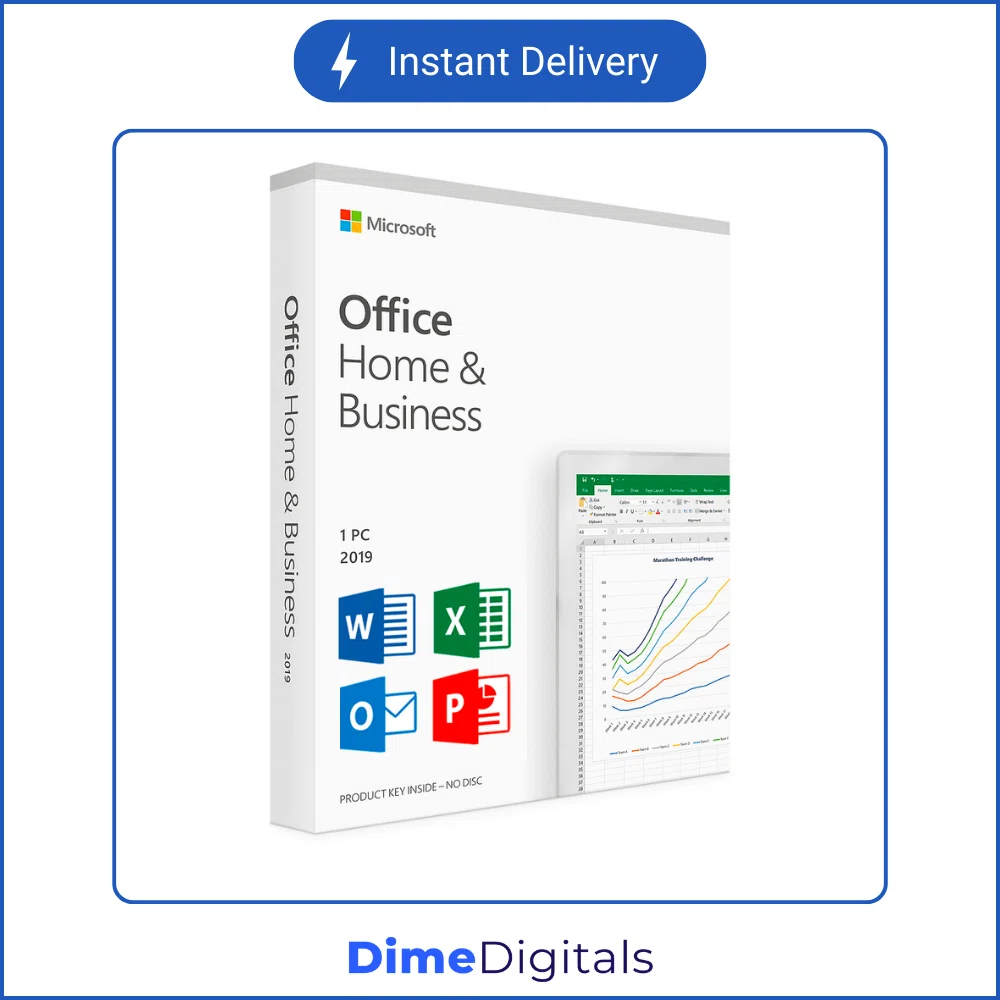
Microsoft Office 2019 Professional Plus
Price range: $ 9,99 through $ 39,99
- Best for Windows 10 & 11: The standard for home and business stability.
- Lifetime License: Pay once, own it forever. No subscriptions.
- Instant Delivery: Get your activation key in seconds.
- Classic Interface: Familiar look and feel without the learning curve.
⚡ Instant Email Delivery
- Secure SSL Payment
- 7-Day Money Back Guarantee
- 24/7 Technical Support
Get the Best Deal on Microsoft Office 2019 Professional Plus
Upgrade your digital workspace with a genuine Microsoft Office 2019 Professional Plus Key. This suite is the perfect balance between modern features and the classic, familiar interface you love. Designed specifically for Windows 10 and Windows 11, it offers industry-standard tools without the recurring costs of a subscription.
Whether you are drafting a report in Word, analyzing data in Excel, or creating a presentation in PowerPoint, Office 2019 delivers speed, stability, and security.
Key Features of the Microsoft Office 2019 Professional Plus Key
When you purchase a Microsoft Office 2019 Professional Plus Key from DimeDigitals, you are getting the full, unrestricted version of the software. Unlike subscription models, a Microsoft Office 2019 Professional Plus Key guarantees that you have access to your files offline, anytime, and anywhere.
Our Microsoft Office 2019 Professional Plus Key activates the following premium applications:
- Word, Excel, & PowerPoint: The core tools for any home or business office.
- Outlook 2019: Business-class email management.
- Publisher & Access: Exclusive tools included only with the Microsoft Office 2019 Professional Plus Key edition.
Why Choose Office 2019?
If you don’t need the cloud features of Microsoft 365 but want something newer than 2016, Office 2019 is the sweet spot. It is a “perpetual” license, meaning you buy it once and it never expires.
Installation Guide
- Purchase: Buy your key from DimeDigitals for instant delivery.
- Download: Use the official Microsoft setup page to redeem your code.
- Install: Follow the on-screen prompts to install the apps on your PC.
- Activate: Enter the 25-digit key to authenticate your software.
System Requirements
- OS: Windows 10 or Windows 11 (Not compatible with Windows 7/8).
- Processor: 1.6 GHz or faster, 2-core.
- RAM: 4 GB (64-bit), 2 GB (32-bit).
- Disk Space: 4 GB available.
Why Buy From DimeDigitals?
We are committed to providing genuine software at unbeatable prices.
- Instant Delivery: Receive your product key via email immediately after purchase.
- Lifetime Warranty: We stand by our products with a full money-back guarantee.
- Support: Have questions? Visit our Contact Support page for assistance.
Secure your productivity today. Buy your Microsoft Office 2019 Professional Plus Key now and enjoy a seamless, subscription-free experience!
Detailed Guide: Which Version Should You Choose?
We offer several variations of the Microsoft Office 2019 Professional Plus Key to suit different budgets and needs. Here is a breakdown to help you decide:
1. Phone Activation (Best Budget Option)
This is the most affordable way to get a genuine license. It is a permanent, lifetime key. The only difference is the activation method. Instead of activating automatically over the internet, you will use the automated Microsoft telephone system (or our provided online tool) to verify the ID one time. Once activated, it works exactly like the retail version.
2. Online Activation (Standard)
This is the standard “Retail” experience. You enter the key, and it activates instantly over the internet. It is linked to your hardware ID. This is perfect for users who want a hassle-free setup on a single PC.
3. Bind to Account (Premium Choice)
This is the highest-tier license. The key attaches directly to your personal Microsoft email address (Outlook, Hotmail, Live, etc.).
- Transferable: If you buy a new PC next year, you can log in to your Microsoft account, deactivate the old PC, and install Office 2019 on the new one.
- Safe: You never lose your key because it is stored digitally in your Microsoft account history.
Office 2019 vs. Office 365: What is the Difference?
Many customers ask if they should buy Office 2019 or subscribe to Microsoft 365. The answer depends on your preference for ownership vs. subscription.
- Microsoft Office 2019 Professional Plus: You pay a one-time fee. You own the software forever. It will never expire, and the price will never change. You receive security updates but no new “feature” updates. This is best for those who want a “set it and forget it” solution.
- Microsoft 365: You pay a monthly or yearly fee (often $100/year). You get the latest features as soon as they are released, along with cloud storage. However, if you stop paying, you lose access to your apps.
Frequently Asked Questions (Expanded)
Can I upgrade from Office 2016 to 2019 directly?
It is recommended to uninstall Office 2016 first before installing Office 2019 to avoid software conflicts. Our keys are for a fresh installation.
Does this include Outlook?
Yes! The Professional Plus edition includes the full version of Outlook 2019, which offers advanced email management, calendar syncing, and contact organization features.
What happens if I format my computer?
If you purchased the Bind to Account version, you simply log in and reinstall. If you purchased the Online or Phone versions, the key is tied to your motherboard, so it should reactivate automatically on the same PC.
Is this compatible with Windows 7?
No. Office 2019 requires Windows 10 or Windows 11. If you are using Windows 7 or 8.1, please purchase our Office 2016 Professional Plus listing instead.
| Edition | Online Activation (1 PC), Phone Activation, Bind to Account, 5 PC Bundle |
|---|
Related products
-
Microsoft Office 2021 Professional Plus
Price range: $ 9,99 through $ 49,99Select options This product has multiple variants. The options may be chosen on the product page -
Microsoft Office 2010 / 2013 Professional Plus
$ 9,99Select options This product has multiple variants. The options may be chosen on the product page -
-
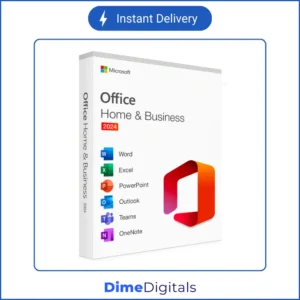
Microsoft Office 2024 Professional Plus
Price range: $ 12,99 through $ 1.399,99Select options This product has multiple variants. The options may be chosen on the product page
Reviews
There are no reviews yet.